How to Follow Top Perp Traders with a Watchlist (and See Their Positions by Coin)
Guides · · Satoshi Note
Read in: 한국어
The Satoshi Index ranks public perp accounts on Hyperliquid, dYdX, Lighter and Pacifica by return and shows what the top 100 hold by coin. That answers "what is the crowd of top traders doing?" It does not answer "what are the five traders I care about doing?" The Watchlist is for that second question. You star traders, and their open positions appear on one screen, grouped by coin. This post shows how it works and what each part of the screen means.
Starring a trader
Every trader on the leaderboard, in the per-coin position tables, and on a trader's profile page has a ☆ star next to the account. Click it and the trader is added to your Watchlist. Click again to remove. The header of the leaderboard also has a Watchlist button that takes you to your list.
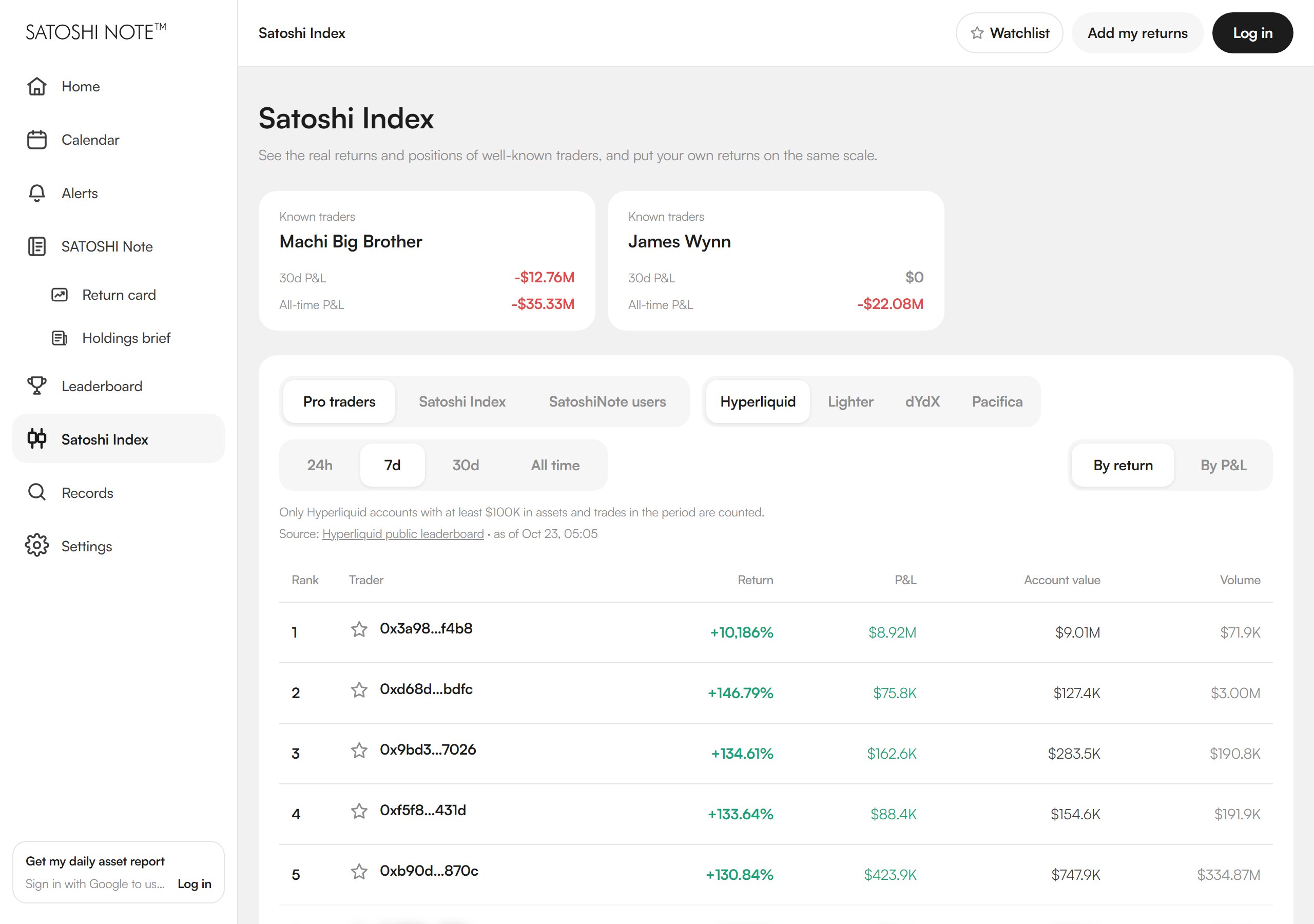
Three things to know:
- You need to be logged in. The index itself is public, but a Watchlist is tied to your account so it follows you across devices. Google sign-in, an email code, or a wallet login all work.
- Up to 20 traders. A watchlist is for the handful of accounts you actually read, not a second copy of the leaderboard. When you hit 20, remove one before adding another.
- Any exchange. You can mix Hyperliquid, dYdX, Lighter and Pacifica accounts in one list.
The Watchlist screen
Open the Watchlist from the leaderboard header or go to satoshinote.io/traders/mine. Before you log in it looks like this:
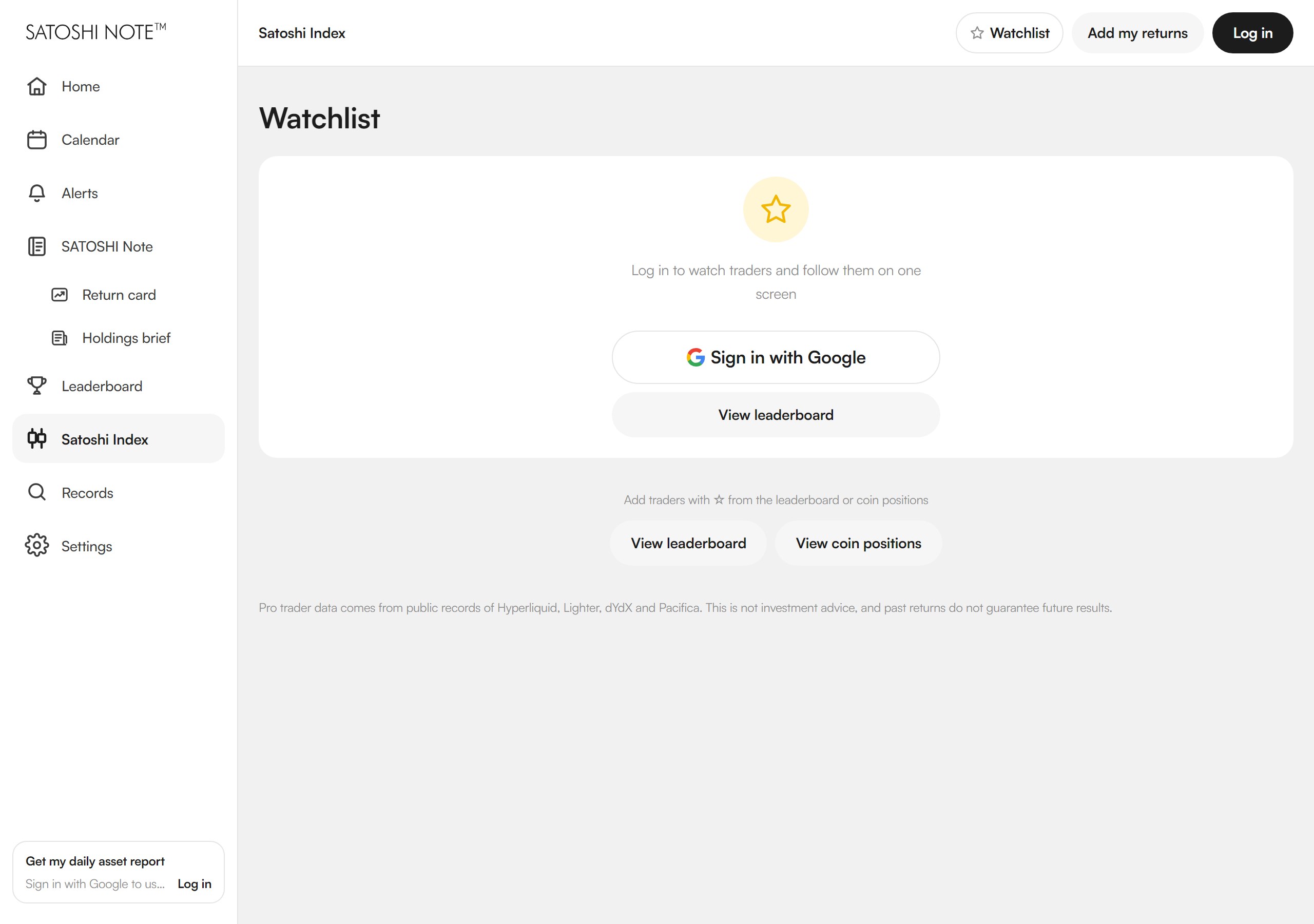
Once you have starred some traders, the page has two parts.
My Index — positions grouped by coin
At the top is My Index: the open positions of everyone you watch, grouped by coin. For each coin you see how many of your traders are long, how many are short, and the net position in dollars. It is the same layout as the public Satoshi Index, but computed only from your 20 accounts instead of the top 100. Tap a coin to keep only the traders holding it in the list below. A link next to each coin jumps to that coin's page in the full index, so you can compare your traders against the whole crowd.
Trader cards
Below My Index is one card per trader, sorted either by Recent changes or by Account value. Each card shows the account, its exchange, a long-short summary ("Long 3 · Short 1 — leaning long"), the largest position with its size, and the open positions with entry price and leverage.
The part worth watching is the Changed marker and the Last change time. Satoshi Note aggregates positions on an hourly cycle. When a trader's positions differ from the previous snapshot, the card is flagged and the time of the last change is shown, so sorting by Recent changes puts the traders who did something in the last few hours at the top.
What the Watchlist is not
- It is not a notification service. There are no push alerts or emails when a position changes. You open the screen and the change markers tell you what moved since you last looked.
- It is not real time. The data comes from the same hourly aggregation as the Satoshi Index. The "as of" time is shown on the page.
- It is not copy trading. Nothing is executed. It is a reading tool.
Who this is for
If you already follow a few wallets by pasting addresses into an explorer, or you keep a browser tab per trader on Hyperliquid, this replaces that routine with one page. Combined with the public index it gives you two views: what the top 100 are doing overall, and what your chosen 20 are doing in detail.
The Watchlist is free. The leaderboard and coin positions at satoshinote.io/traders are open without an account. Starring a trader asks you to log in.
Satoshi Note is free. Read-only API keys only. The site is satoshinote.io.